Disclaimer

How to word is a free Microsoft word tutorial. Microsoft is the registered trademark of Microsoft Company, which is not affiliated with and does not sponsor or endorse the services of howto-word.com.

Showing posts with label ms word. Show all posts

Synonyms - Free Software Without Download in MS Word


If you are looking for a synonym dictionary or any online free tool to download to find a synonym to put in your document. Why download the synonym software while you are using Word 2007?

Now you don't need to download any special software or go to any synonym websites anymore this page will show you how MS word helps you find the synonyms just a few simple clicks!!

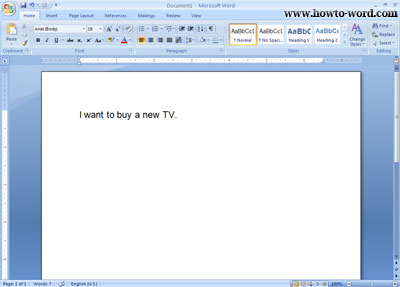
1. Open your document in Word 2007


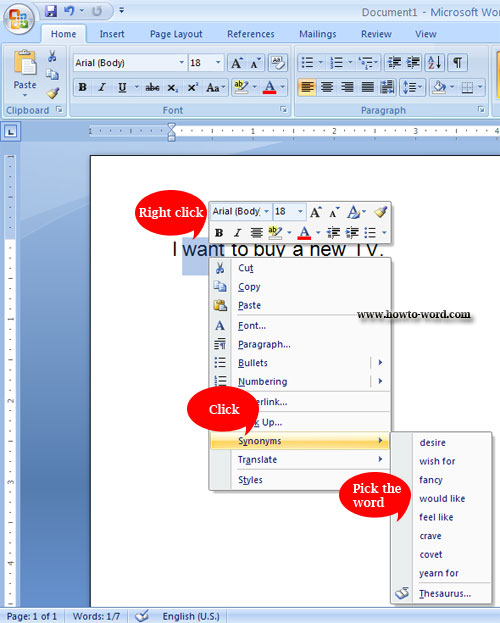
2. Highlight the word you want to change, right click and select 'Synonyms'  then select the word you want to replace -- done!!

MS Word shortcut of switching to another view when working on documents and Web pages

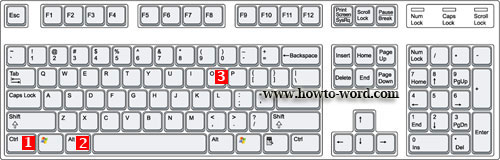
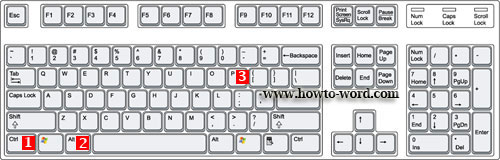
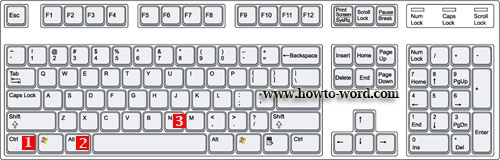
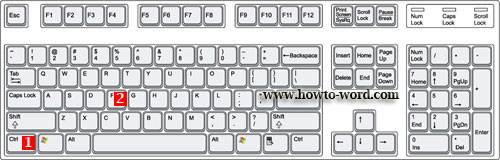
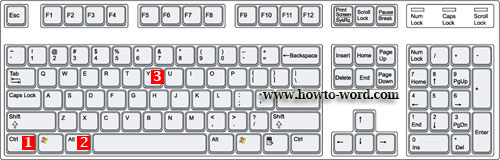
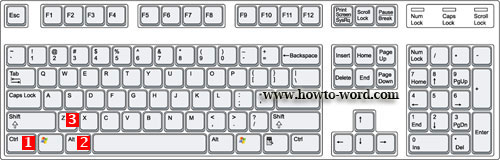
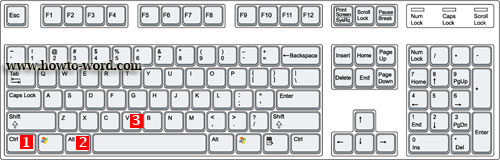
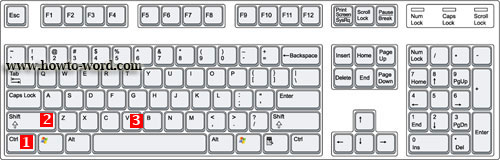
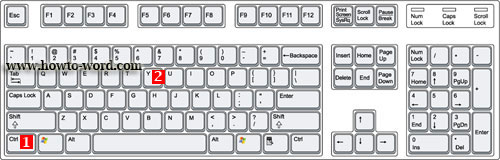
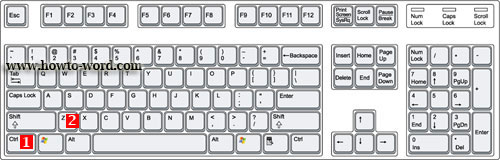
These are the short cut keys when you want to switch to Print Layout view, switch to Outline view and Switch to Draft view.

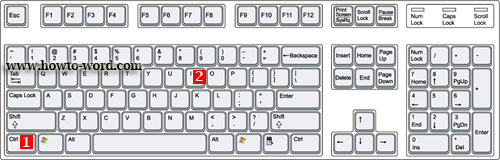
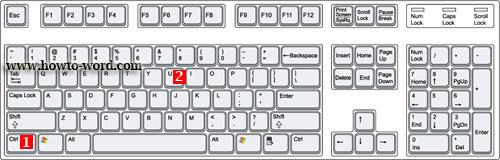
Switch to Outline view press CTRL+ALT+O

Switch to Print Layout view press CTRL+ALT+P

Switch to Draft view press CTRL+ALT+N

People who read this page also read
MS Word Hotkeys you must know when working with a text
Short cut keys to create, open, close, save and do more in MS Word
Basic MS Word short cut keys you should know

MS Word Hotkeys you must know when working with a text

Function keys in MS Word are many. Our MS Word tutorial on this page will show you the Word shortcuts that mostly use when we have to work with a text. This page will list hotkeys to find, repeat find, replace text and other activities in MS Word.

If you love to use PC shortcuts and now you are working on MS Word. The Microsoft Word shortcut keys provided on this page might be useful for you!!

Some of useful microsoft word hotkeys

Find text, formatting, and special items. Press CTRL+F

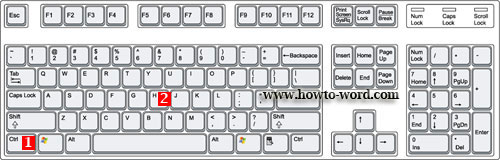
Repeat find (after closing Find and Replace window). Press CTRL+ALT+Y

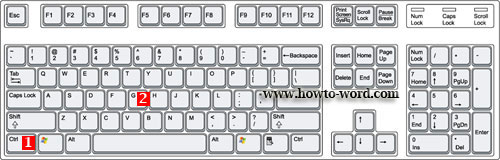
Replace text, specific formatting, and special items. Press CTRL+H

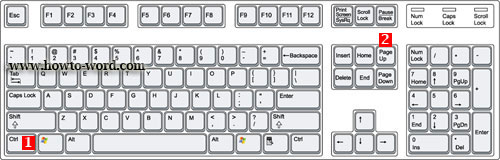
Move to the previous edit location. Press CTRL+PAGE UP

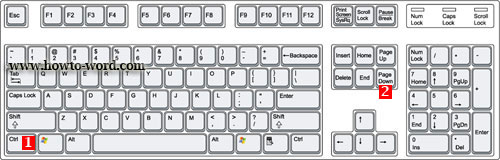
Move to the next edit location. Press CTRL+PAGE DOWN

Go to a Page, Section, Line, Bookmark, Comment, Footnote, Endnote, Field, Table, Graphic, Equation, Object, Heading. Press CTRL+G

Switch between the last four places that you have edited. Press CTRL+ALT+Z

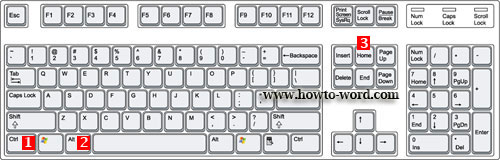
Open a list of browse options. Press the arrow keys to select an option, and then press ENTER to browse through a document by using the selected option. Press CTRL+ALT+HOME
There are many of Microsoft Word Hotkeys if you use them more often you will be able to use them easier.

Basic MS Word short cut keys you should know

There are many of short cut keys in MS Word. To remember all of them can be a hard job. And because of this our ms word tutorial today will show you the basic MS Word short cut keys you should know.

If you want to..

Make letters bold. Press CTRL+B

Make letters italic. Press CTRL+I

Make letters underline. Press CTRL+U


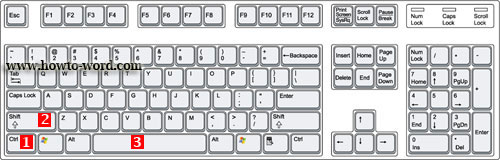
Create a nonbreaking space. Press CTRL+SHIFT+SPACEBAR

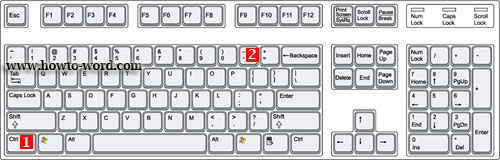
Create a nonbreaking hyphen. Press CTRL+HYPHEN

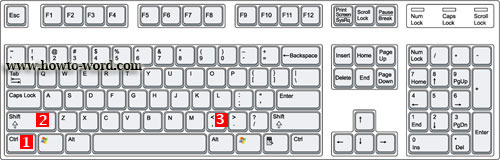
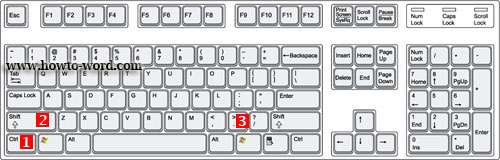
Decrease font size one value. Press CTRL+SHIFT+ <

Increase font size one value. Press CTRL+SHIFT+>

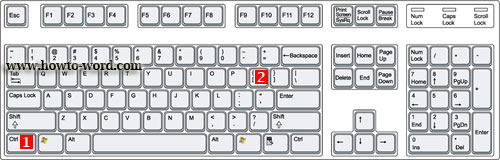
Decrease font size 1 point. Press CTRL+[

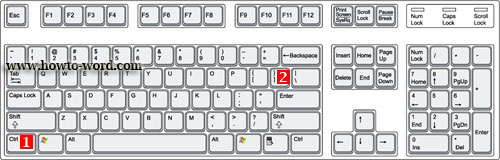
Increase font size 1 point. Press CTRL+]

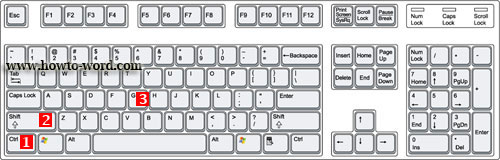
Open the Word Count dialog box. Press CTRL+SHIFT+G

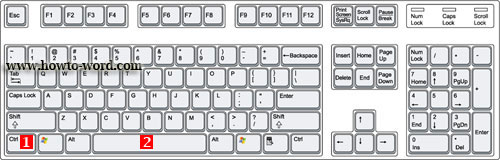
Remove paragraph or character formatting. Press CTRL+SPACEBAR

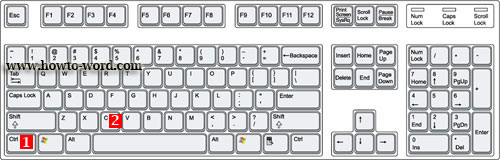
Copy the selected text or object. Press CTRL+C

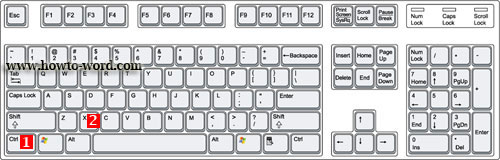
Cut the selected text or object. Press CTRL+X

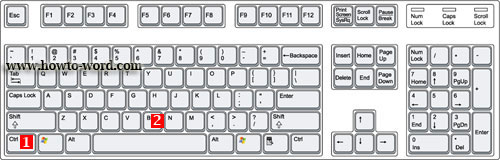
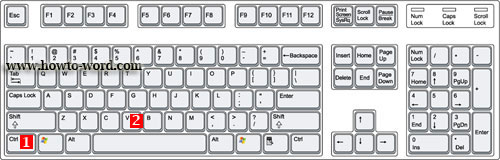
Paste text or an object. Press CTRL+V

Paste special CTRL+ALT+V

Paste formatting only CTRL+SHIFT+V

Redo the last action. Press CTRL+Y

Undo the last action. Press CTRL+Z


Frequently Asked Questions

         
How to remove paragraph symbol in word? Help!! Try fixing it but my vertical ruler still disappear!!  
         
What is the ribbon in Microsoft Word?