Disclaimer

How to word is a free Microsoft word tutorial. Microsoft is the registered trademark of Microsoft Company, which is not affiliated with and does not sponsor or endorse the services of howto-word.com.

Showing posts with label word shortcuts. Show all posts

Microsoft Word Shortcut Keys for print and preview documents

List of shortcut keys use in Microsoft Word

If you want to..

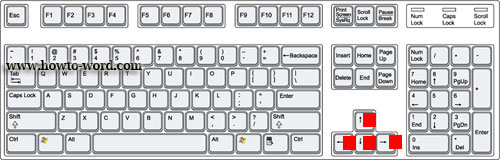
Move around the preview page when zoomed in. Press Arrow keys
Move by one preview page when zoomed out. Press PAGE UP or PAGE DOWN
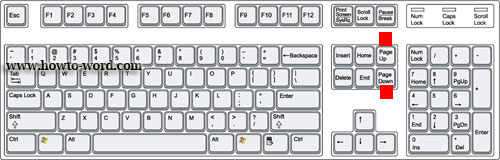
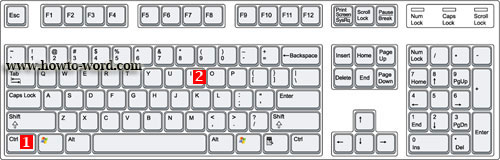
Print a document. Press CTRL+P
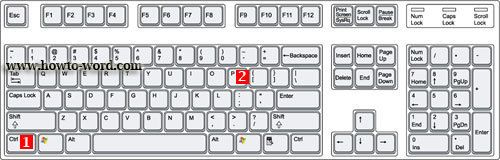

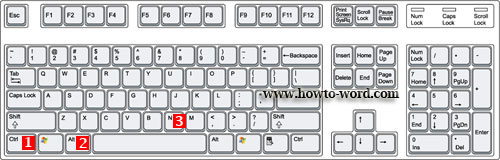
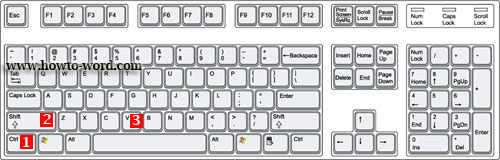
Switch in or out of print preview. Press CTRL+ALT+I
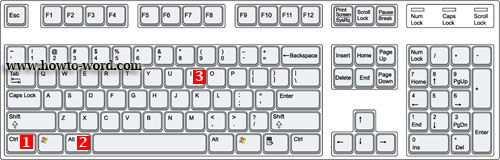
Move to the first preview page when zoomed out. Press CTRL+HOME
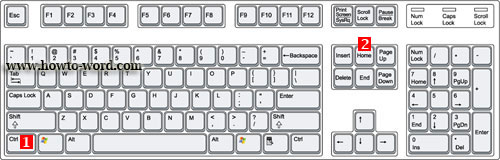
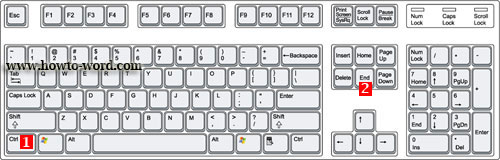
Move to the last preview page when zoomed out. Press CTRL+END
People who read Microsoft Word Shortcut Keys for print and preview documents also read

Basic MS Word short cut keys you should know
A Basic short cut keys you should know when working with Microsoft Word 2007.

Short cut keys to create, open, close, save and do more in MS Word
Tips to create, open and do other activities faster in Microsoft Word

MS Word Hotkeys you must know when working with a text
Short Keys you should know related a text in Microsoft Word 2007

MS Word shortcut of switching to another view when working on documents and Web pages
Learn a shortcut to switch to another view when working on documents and Web pages

Hotkeys for the outline view when working with documents and web pages
Read tips of the Hotkeys for the outline view when working with documents and web pages.
MS Word shortcut of switching to another view when working on documents and Web pages

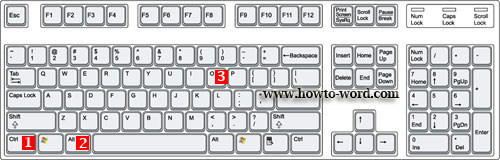
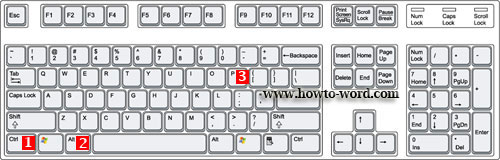
These are the short cut keys when you want to switch to Print Layout view, switch to Outline view and Switch to Draft view.

Switch to Outline view press CTRL+ALT+O

Switch to Print Layout view press CTRL+ALT+P

Switch to Draft view press CTRL+ALT+N

People who read this page also read
MS Word Hotkeys you must know when working with a text
Short cut keys to create, open, close, save and do more in MS Word
Basic MS Word short cut keys you should know

Basic MS Word short cut keys you should know

There are many of short cut keys in MS Word. To remember all of them can be a hard job. And because of this our ms word tutorial today will show you the basic MS Word short cut keys you should know.

If you want to..

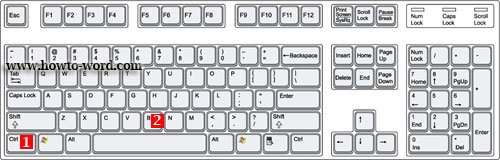
Make letters bold. Press CTRL+B

Make letters italic. Press CTRL+I

Make letters underline. Press CTRL+U


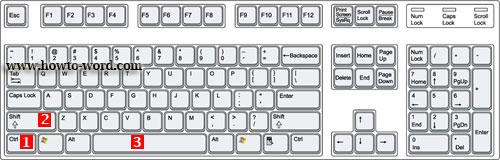
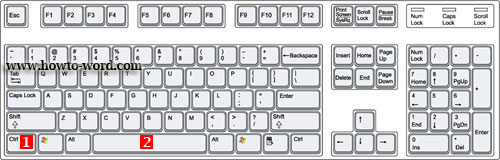
Create a nonbreaking space. Press CTRL+SHIFT+SPACEBAR

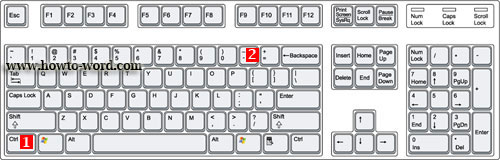
Create a nonbreaking hyphen. Press CTRL+HYPHEN

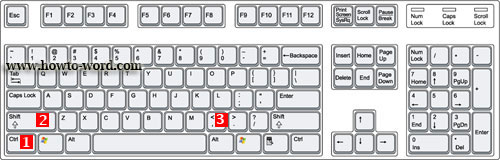
Decrease font size one value. Press CTRL+SHIFT+ <

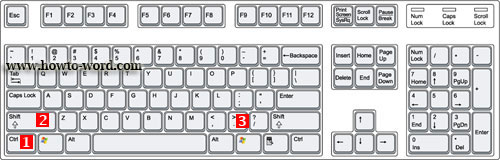
Increase font size one value. Press CTRL+SHIFT+>

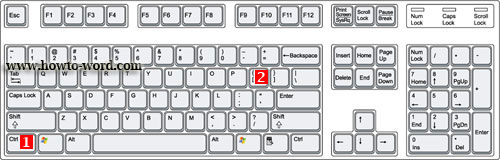
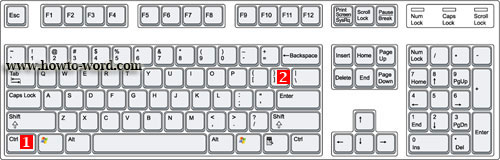
Decrease font size 1 point. Press CTRL+[

Increase font size 1 point. Press CTRL+]

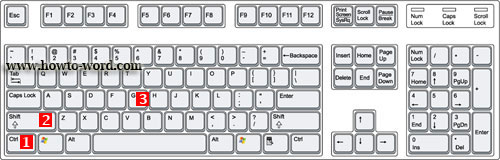
Open the Word Count dialog box. Press CTRL+SHIFT+G

Remove paragraph or character formatting. Press CTRL+SPACEBAR

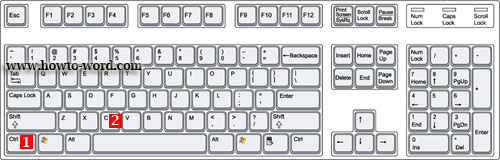
Copy the selected text or object. Press CTRL+C

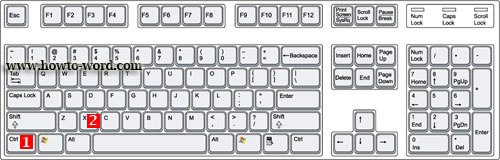
Cut the selected text or object. Press CTRL+X

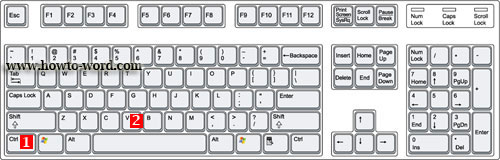
Paste text or an object. Press CTRL+V

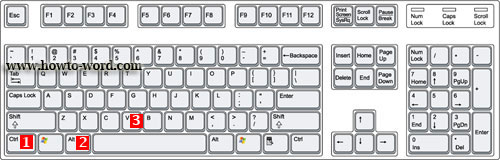
Paste special CTRL+ALT+V

Paste formatting only CTRL+SHIFT+V

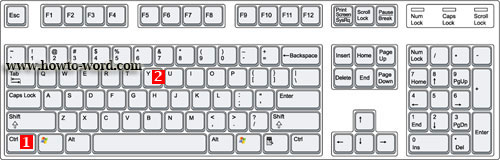
Redo the last action. Press CTRL+Y

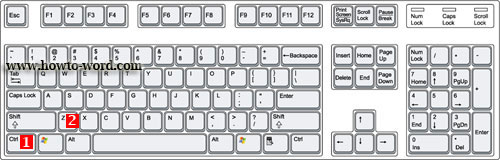
Undo the last action. Press CTRL+Z


Frequently Asked Questions

         
How to remove paragraph symbol in word? Help!! Try fixing it but my vertical ruler still disappear!!  
         
What is the ribbon in Microsoft Word?