Disclaimer

How to word is a free Microsoft word tutorial. Microsoft is the registered trademark of Microsoft Company, which is not affiliated with and does not sponsor or endorse the services of howto-word.com.

Showing posts with label word shortcut keys. Show all posts

Basic MS Word short cut keys you should know

There are many of short cut keys in MS Word. To remember all of them can be a hard job. And because of this our ms word tutorial today will show you the basic MS Word short cut keys you should know.

If you want to..

Make letters bold. Press CTRL+B
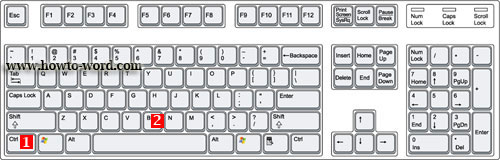
Make letters italic. Press CTRL+I
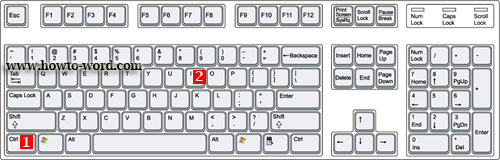
Make letters underline. Press CTRL+U

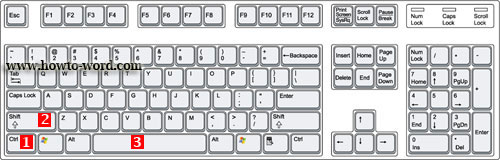
Create a nonbreaking space. Press CTRL+SHIFT+SPACEBAR
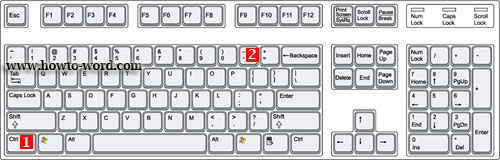
Create a nonbreaking hyphen. Press CTRL+HYPHEN
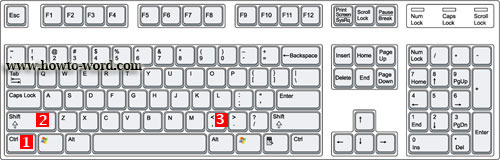
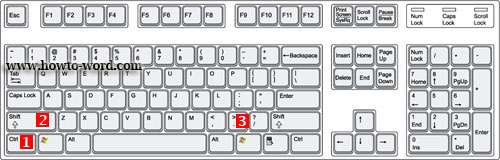
Decrease font size one value. Press CTRL+SHIFT+ <
Increase font size one value. Press CTRL+SHIFT+>
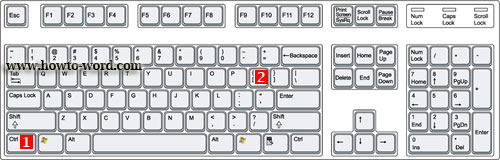
Decrease font size 1 point. Press CTRL+[
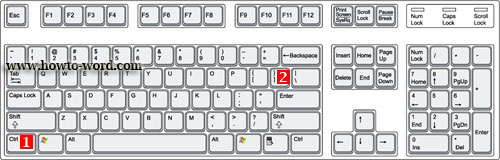
Increase font size 1 point. Press CTRL+]
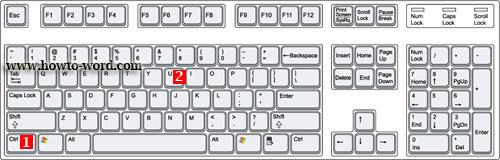
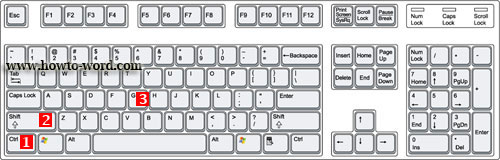
Open the Word Count dialog box. Press CTRL+SHIFT+G
Remove paragraph or character formatting. Press CTRL+SPACEBAR
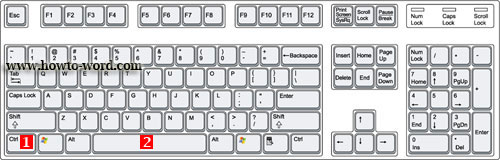
Copy the selected text or object. Press CTRL+C
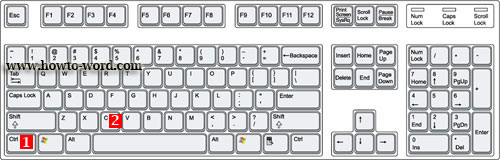
Cut the selected text or object. Press CTRL+X
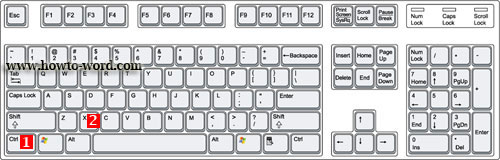
Paste text or an object. Press CTRL+V
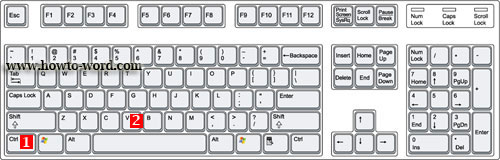
Paste special CTRL+ALT+V
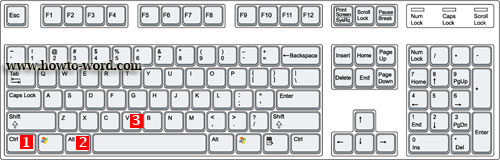
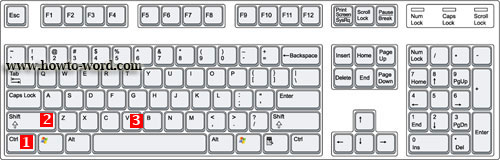
Paste formatting only CTRL+SHIFT+V
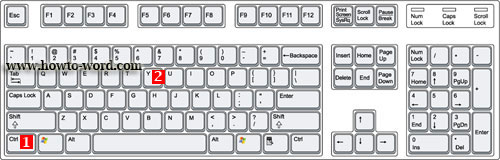
Redo the last action. Press CTRL+Y
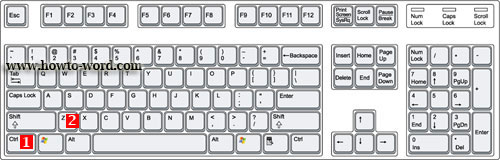
Undo the last action. Press CTRL+Z
Word keyboard shortcuts for the Ribbon User Interface - how to active a tab of the Ribbon without using the mouse!!


Hello and welcome, this is the tutorial for word 2007 which this page will mainly talk about the Microsoft Word shortcuts. As you are already know that there are many of keyboard shortcuts for Word. In this article I will show you some of them!!

No no no, no serious I promise it's fun!!

You might not know that in Word 2007 we use it everyday, there are something behind. If you just open the new document, type and save..there is no something new. Our MS Word tutorial will show you something that some of you may don't know this before!!


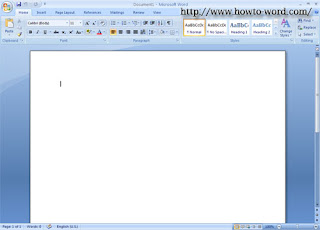
1. Now I open my MS word 2007 and it looks like this..(yeah there is nothing special, just what we have seen it everyday)

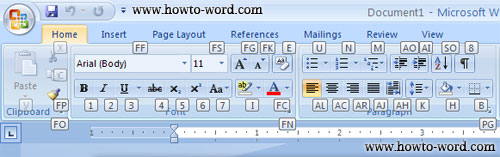
2. But check this out, see what happen when I press 'Alt' on my keyboard.
Wo-ho..

As shown on the picture above means that as long as you can see the small box appears -- as now there are F, 1, 2, 3, H, N, P, S, M, R, W place on each tab. Once you press a letter on your keyboard Word 2007 will take you to the tab under the small box letter and open it for you immediately!!

What to do if you want to use each tool under 'Home' tab without using the mouse?
As now we are under the 'Home' tab what you have to do is just press 'H' on your keyboard and you will see this..

Well, with the example above. You can do this step to find shortcuts for Microsoft Word on the Ribbon User Interface each tab easily!!
Note: To cancel the action just press 'Alt' on your keyboard again.


Frequently Asked Questions

         
How to remove paragraph symbol in word? Help!! Try fixing it but my vertical ruler still disappear!!  
         
What is the ribbon in Microsoft Word?