Disclaimer

How to word is a free Microsoft word tutorial. Microsoft is the registered trademark of Microsoft Company, which is not affiliated with and does not sponsor or endorse the services of howto-word.com.

Showing posts with label ms word shortcuts. Show all posts

MS Word Hotkeys you must know when working with a text

Function keys in MS Word are many. Our MS Word tutorial on this page will show you the Word shortcuts that mostly use when we have to work with a text. This page will list hotkeys to find, repeat find, replace text and other activities in MS Word.

If you love to use PC shortcuts and now you are working on MS Word. The Microsoft Word shortcut keys provided on this page might be useful for you!!

Some of useful microsoft word hotkeys

Find text, formatting, and special items. Press CTRL+F
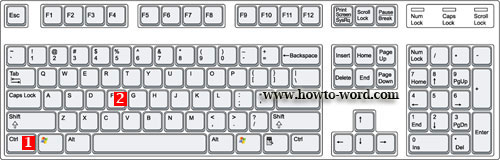
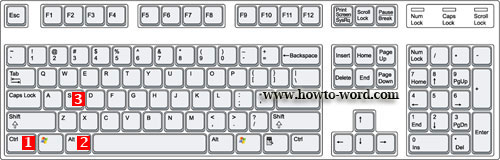
Repeat find (after closing Find and Replace window). Press CTRL+ALT+Y
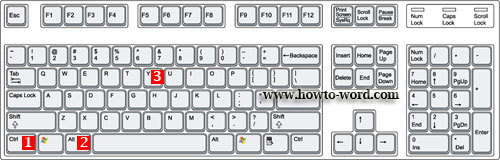
Replace text, specific formatting, and special items. Press CTRL+H
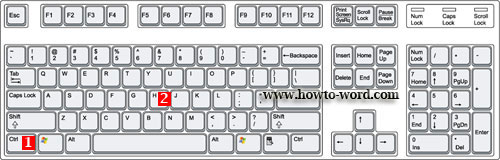
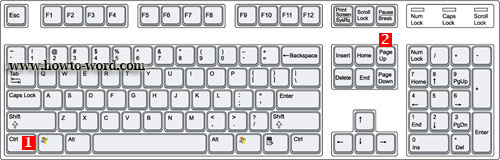
Move to the previous edit location. Press CTRL+PAGE UP
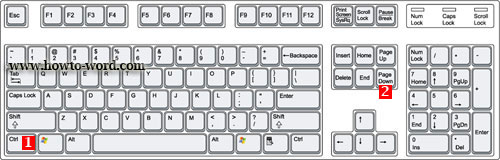
Move to the next edit location. Press CTRL+PAGE DOWN
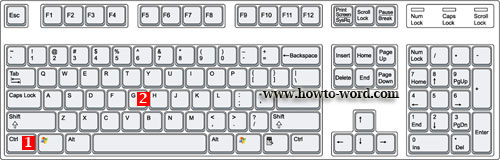
Go to a Page, Section, Line, Bookmark, Comment, Footnote, Endnote, Field, Table, Graphic, Equation, Object, Heading. Press CTRL+G
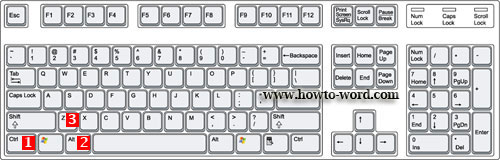
Switch between the last four places that you have edited. Press CTRL+ALT+Z
Open a list of browse options. Press the arrow keys to select an option, and then press ENTER to browse through a document by using the selected option. Press CTRL+ALT+HOME
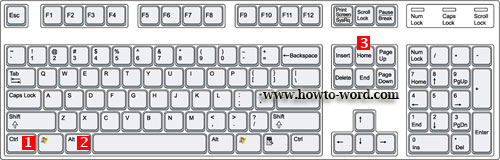
There are many of Microsoft Word Hotkeys if you use them more often you will be able to use them easier.

Short cut keys to create, open, close, save and do more in MS Word

If you love to use the pc shortcuts and if you are looking for the shortcut keys in MS Word. These are the hotkeys we provided to you. Whether you will create, open, close, save or more  you can do it easily via our MS Word tutorial as details below.

If you want to..


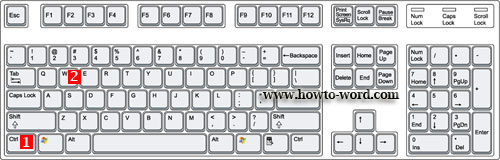
Close a document. Press CTRL+W 

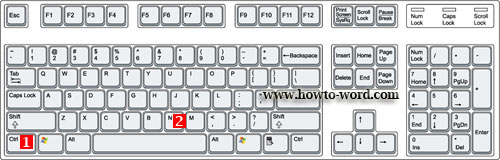
Create a new document of the same type as the current or most recent document. Press CTRL+N

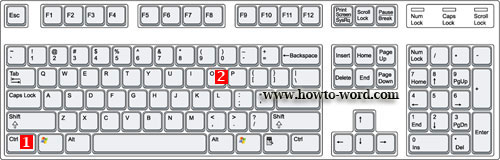
Open a document. Press CTRL+O

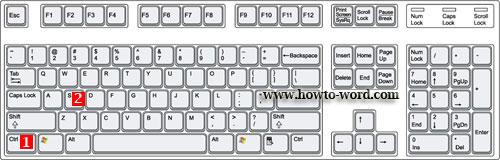
Save a document. Press CTRL+S

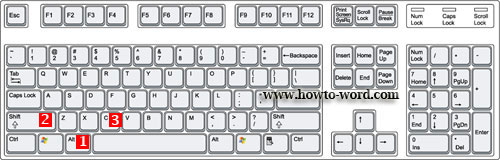
Remove the document window split. Press ALT+SHIFT+C 

Split the document window. Press CTRL+ALT+S

How to move to another tab of the Ribbon.


Can you use your LEFT ARROW or RIGHT ARROW on your keyboard to make each tab of the Ribbon active or move to another tab of the Ribbon?

This is one of the Microsoft Word shortcuts I would like to show you. But let me tell you that this is a tutorial for word 2007 only. Why? because I didn't try other versions yet.^^'

Now let's see how to move to another tab of the Ribbon.

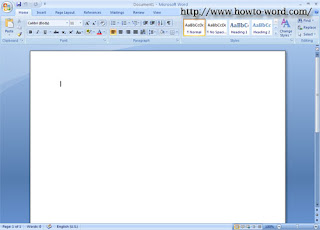
1. Open your Word 2007 first.


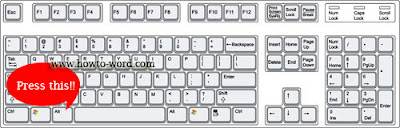
2. Then press 'Alt' on your keyboard.

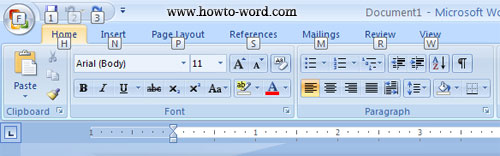
Now it should look like this..


3. Then press 'LEFT ARROW' or 'RIGHT ARROW' on the keyboard and see now it's moving!!
Note: To cancel the action, just press 'Alt' on your keyboard again.


Frequently Asked Questions

         
How to remove paragraph symbol in word? Help!! Try fixing it but my vertical ruler still disappear!!  
         
What is the ribbon in Microsoft Word?