Disclaimer

How to word is a free Microsoft word tutorial. Microsoft is the registered trademark of Microsoft Company, which is not affiliated with and does not sponsor or endorse the services of howto-word.com.

Showing posts with label microsoft word shortcut. Show all posts

Microsoft Word Shortcut Keys for print and preview documents

List of shortcut keys use in Microsoft Word

If you want to..

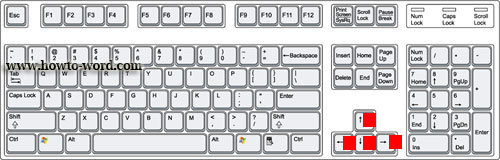
Move around the preview page when zoomed in. Press Arrow keys
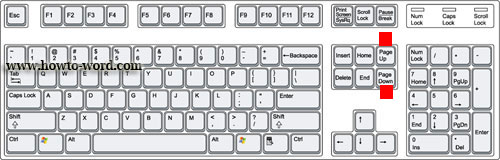
Move by one preview page when zoomed out. Press PAGE UP or PAGE DOWN
Print a document. Press CTRL+P
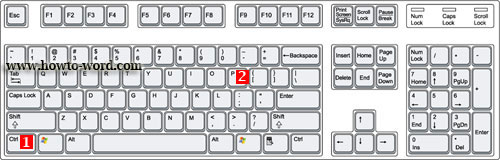

Switch in or out of print preview. Press CTRL+ALT+I
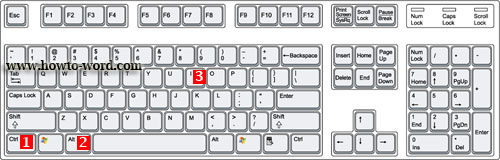
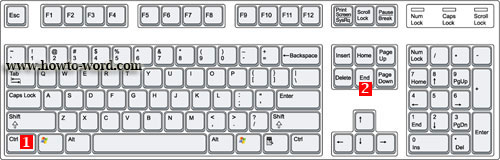
Move to the first preview page when zoomed out. Press CTRL+HOME
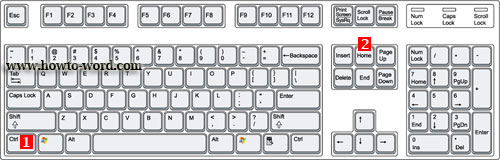
Move to the last preview page when zoomed out. Press CTRL+END
People who read Microsoft Word Shortcut Keys for print and preview documents also read

Basic MS Word short cut keys you should know
A Basic short cut keys you should know when working with Microsoft Word 2007.

Short cut keys to create, open, close, save and do more in MS Word
Tips to create, open and do other activities faster in Microsoft Word

MS Word Hotkeys you must know when working with a text
Short Keys you should know related a text in Microsoft Word 2007

MS Word shortcut of switching to another view when working on documents and Web pages
Learn a shortcut to switch to another view when working on documents and Web pages

Hotkeys for the outline view when working with documents and web pages
Read tips of the Hotkeys for the outline view when working with documents and web pages.
Hotkeys for the outline view when working with documents and web pages

When you work with a document or web page sometime you may need Hotkeys to help you finish your task quicker. In your computer keyboard there are a lot of function keys you need to remember. Yes, sometime it is too much to memorize all the shortcut keys in your head. But from now on, you don't need to memorize all shortcuts in ms word because we list many short cut keys for word on this website, howto-word.com!!

Our ms word tutorial on this page will talk about the hotkeys for the outline view when you have to work with documents and web pages.
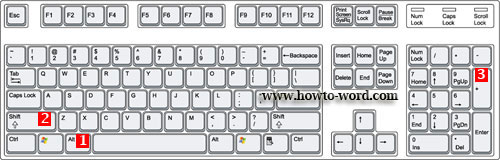
All the shortcut keys are already listed for you below. If you need to..

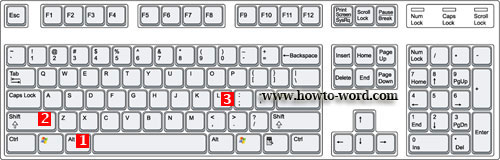
Show the first line of body text or all body text. Press ALT+SHIFT+L

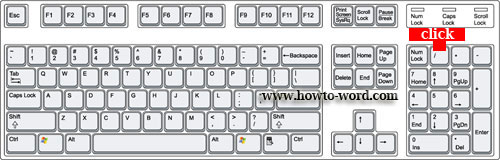
Hide or display character formatting. The slash (/) key on the numeric keypad

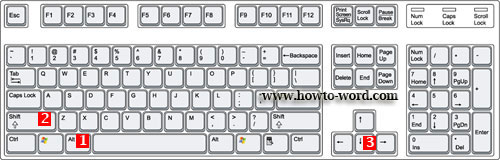
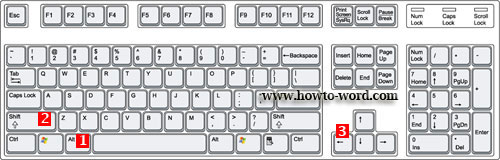
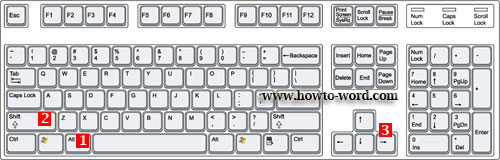
Move selected paragraphs up. Press ALT+SHIFT+UP ARROW

Move selected paragraphs down. Press ALT+SHIFT+DOWN ARROW

Show all headings with the Heading 1 style. Press ALT+SHIFT+1

Show all headings up to Heading n. Press ALT+SHIFT+n

Promote a paragraph. Press ALT+SHIFT+LEFT ARROW

Demote a paragraph. Press ALT+SHIFT+RIGHT ARROW

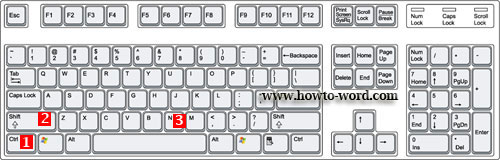
Demote to body text. Press CTRL+SHIFT+N

Expand text under a heading. Press ALT+SHIFT+PLUS SIGN

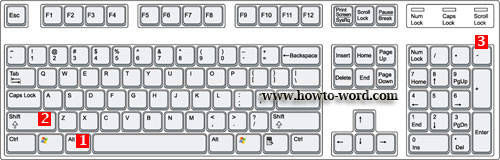
Collapse text under a heading. Press ALT+SHIFT+MINUS SIGN

Expand or collapse all text or headings. Press ALT+SHIFT+A

Insert a tab character. Press CTRL+TAB

That's all for the Hotkeys of the outline view when you have to work with a document or web page. I hope the shortcut keys listed on this page will has any useful for you.^^

People who read this page also read
Basic MS Word short cut keys you should know
Short cut keys to create, open, close, save and do more in MS Word
MS Word Hotkeys you must know when working with a text
MS Word shortcut of switching to another view when working on documents and Web pages

MS Word shortcut of switching to another view when working on documents and Web pages

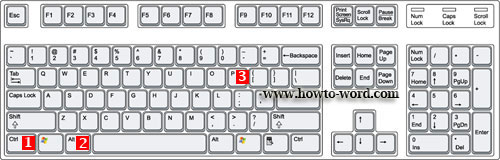
These are the short cut keys when you want to switch to Print Layout view, switch to Outline view and Switch to Draft view.

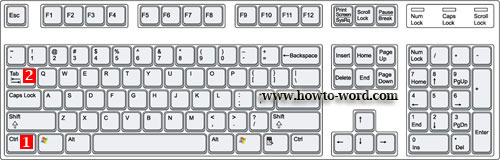
Switch to Outline view press CTRL+ALT+O

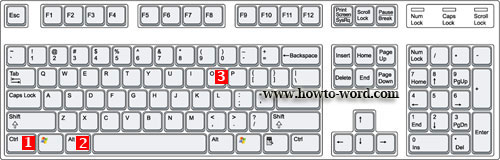
Switch to Print Layout view press CTRL+ALT+P

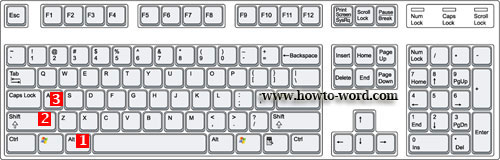
Switch to Draft view press CTRL+ALT+N

People who read this page also read
MS Word Hotkeys you must know when working with a text
Short cut keys to create, open, close, save and do more in MS Word
Basic MS Word short cut keys you should know

Basic MS Word short cut keys you should know

There are many of short cut keys in MS Word. To remember all of them can be a hard job. And because of this our ms word tutorial today will show you the basic MS Word short cut keys you should know.

If you want to..

Make letters bold. Press CTRL+B

Make letters italic. Press CTRL+I

Make letters underline. Press CTRL+U


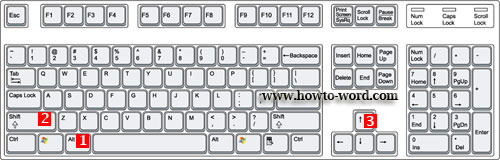
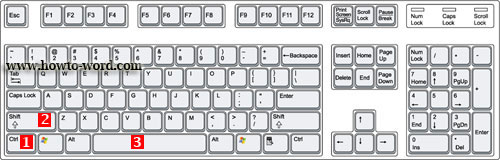
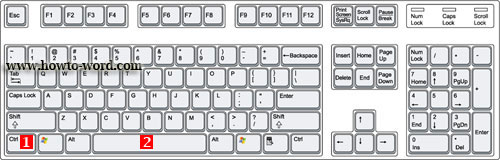
Create a nonbreaking space. Press CTRL+SHIFT+SPACEBAR

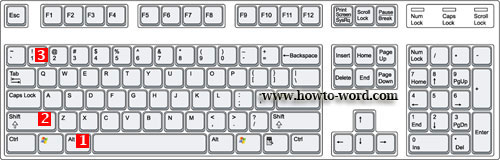
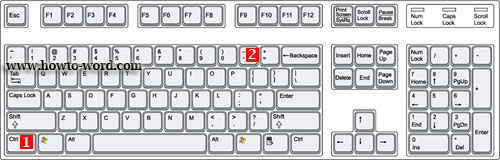
Create a nonbreaking hyphen. Press CTRL+HYPHEN

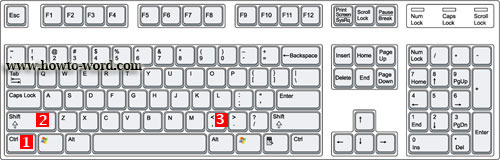
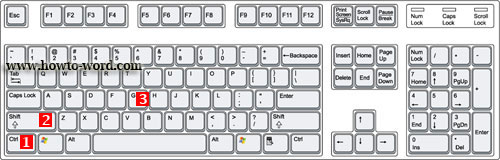
Decrease font size one value. Press CTRL+SHIFT+ <

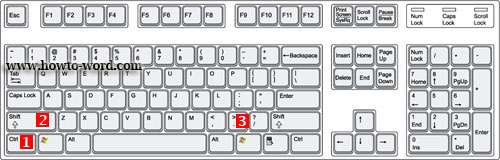
Increase font size one value. Press CTRL+SHIFT+>

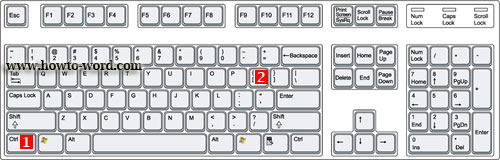
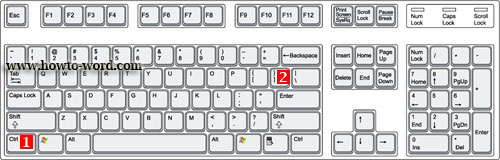
Decrease font size 1 point. Press CTRL+[

Increase font size 1 point. Press CTRL+]

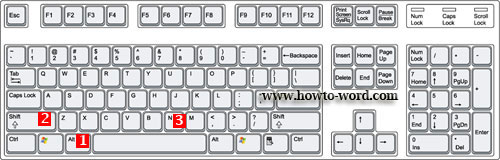
Open the Word Count dialog box. Press CTRL+SHIFT+G

Remove paragraph or character formatting. Press CTRL+SPACEBAR

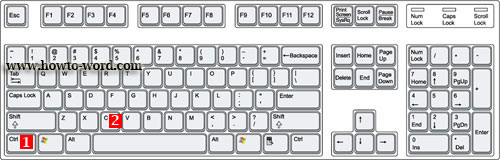
Copy the selected text or object. Press CTRL+C

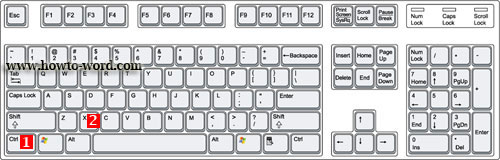
Cut the selected text or object. Press CTRL+X

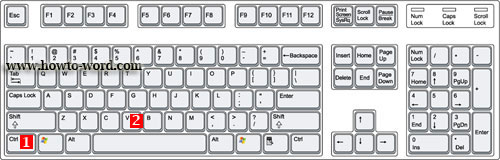
Paste text or an object. Press CTRL+V

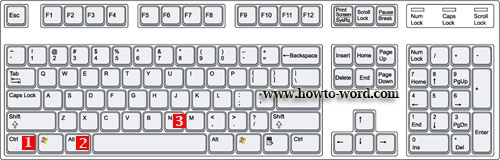
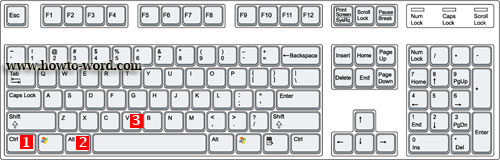
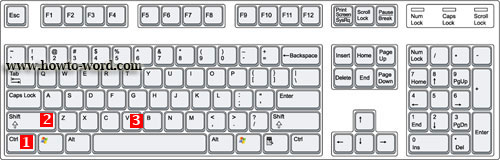
Paste special CTRL+ALT+V

Paste formatting only CTRL+SHIFT+V

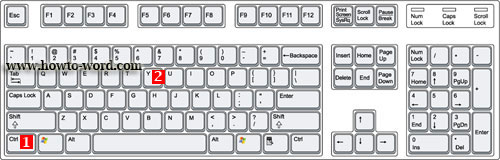
Redo the last action. Press CTRL+Y

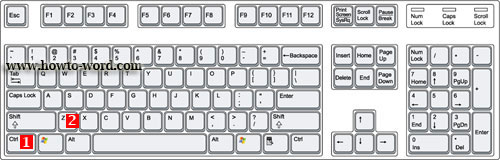
Undo the last action. Press CTRL+Z


Frequently Asked Questions

         
How to remove paragraph symbol in word? Help!! Try fixing it but my vertical ruler still disappear!!  
         
What is the ribbon in Microsoft Word?