Disclaimer

How to word is a free Microsoft word tutorial. Microsoft is the registered trademark of Microsoft Company, which is not affiliated with and does not sponsor or endorse the services of howto-word.com.

Showing posts with label fax cover page template word. Show all posts

How to insert cover page in Microsoft Word

Did you know there are many beautiful cover pages available for your document in Microsoft Word 2007? This tutorial will show you how to insert cover page for your document.

This is the method of how to insert cover page in Microsoft Word.
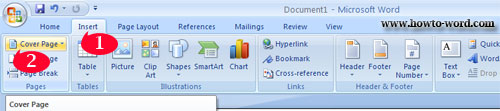

1. Click ‘Insert’ tab.
2. Click ‘Cover Page’.

Once you do as the above method you will see the available cover pages in Microsoft Word 2007 you can use which are..

Alphabet
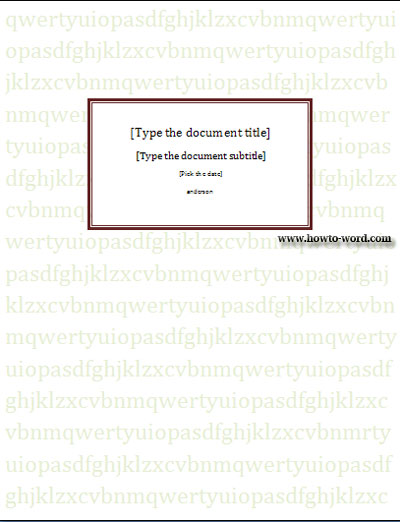
Annual
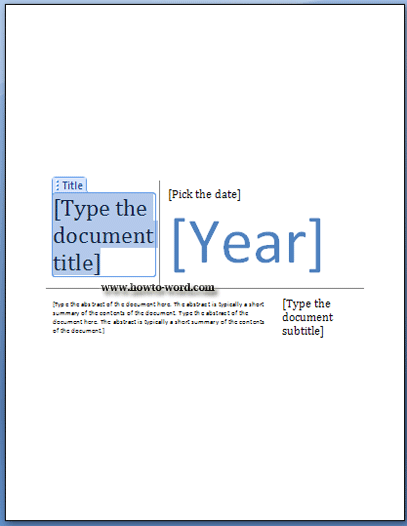
Austere
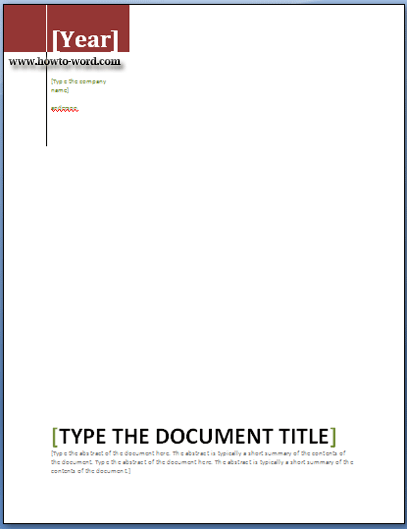
Conservative
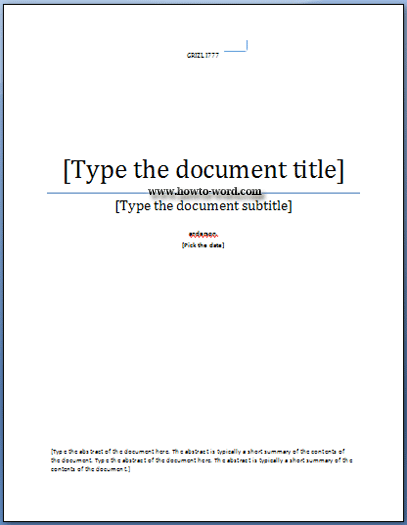
Contrast
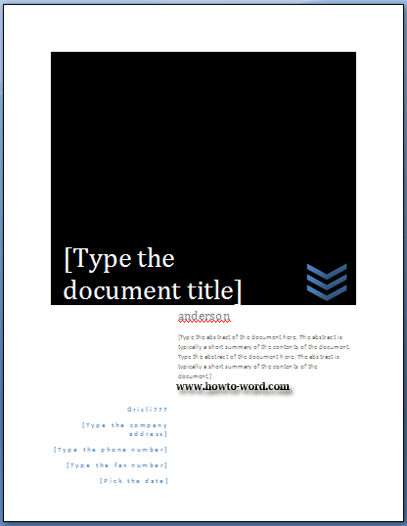
Cubicles
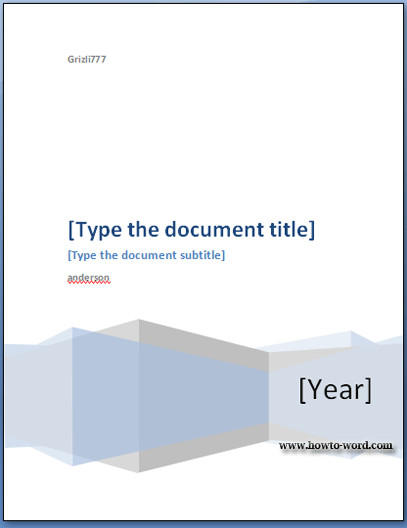
Exposure
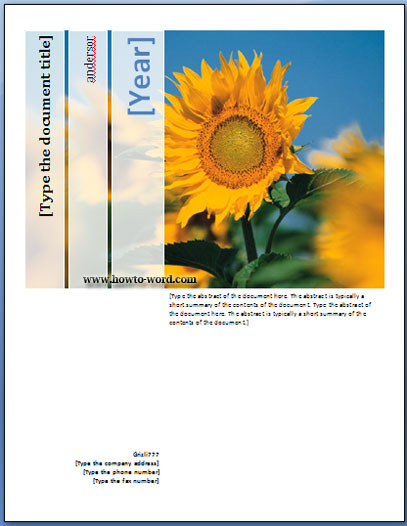
Mod
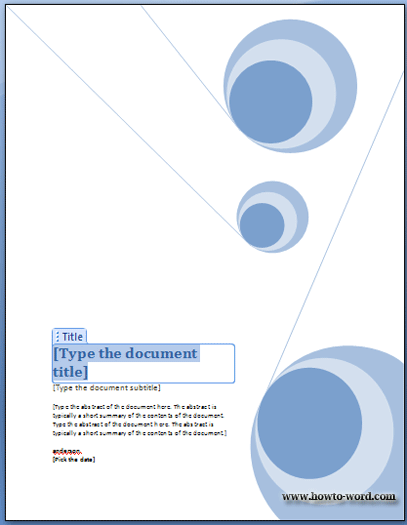
Motion
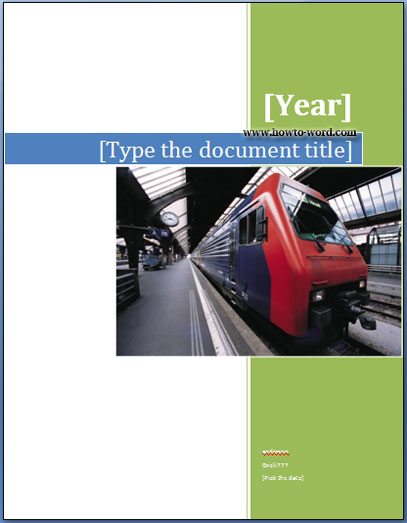
Pinstripes
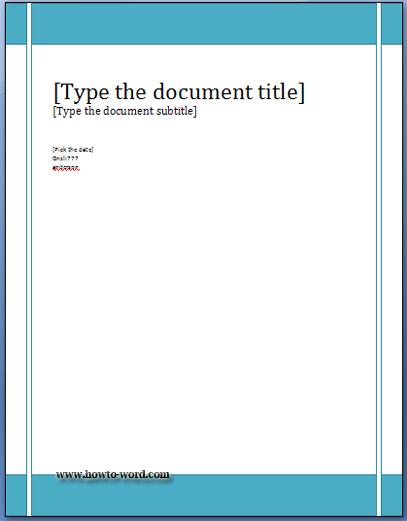
Puzzle
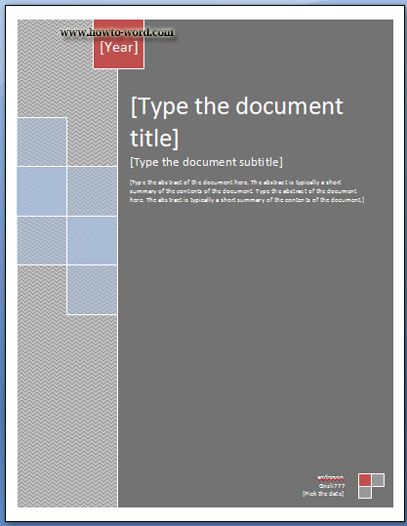
Sideline
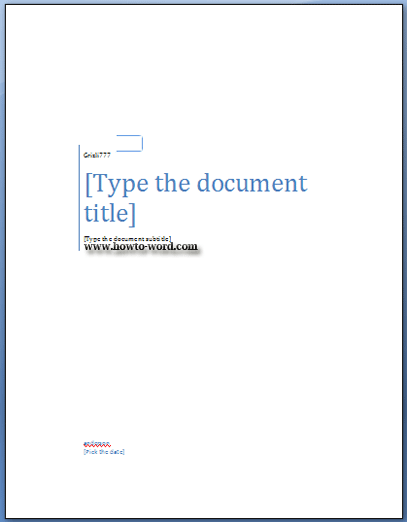
Stacks
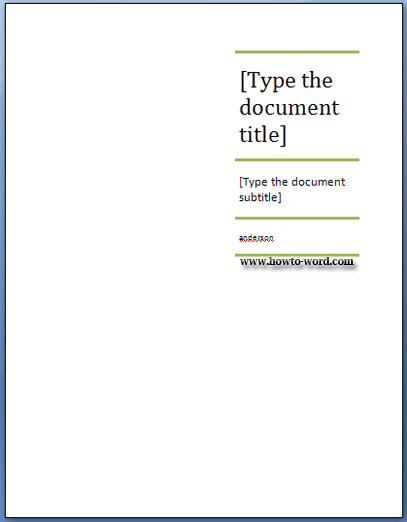
Tiles
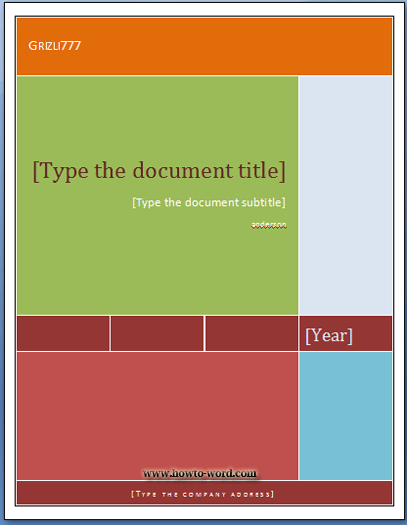
Transcend
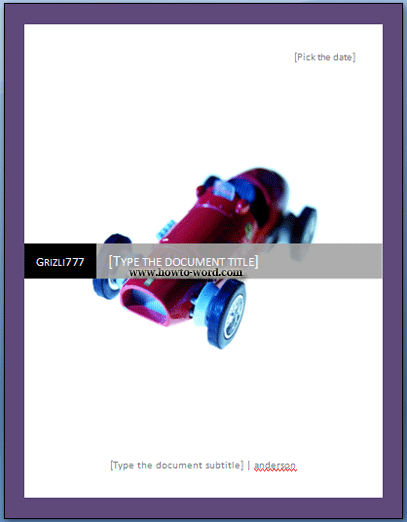
As you can see above, there are many cover pages in Microsoft Word 2007 available to insert to your document. Found any favorite one? Just pick it easily as showing in the above method.
Fax template in Microsoft Word 2007

I believe you have ever sent the fax before. The fax form you use may be from your company or someone may create a form by yourself or create it your own style. The reason I am talking about this is this tutorial will show you the fax form that Microsoft Word 2007 create for us. You don’t need to design or create any topics on your own. What you need to do is just change some texts, then you are ready to sent it to your receiver.

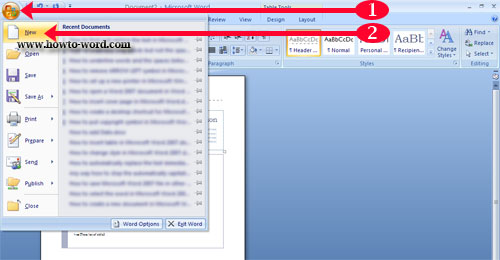
This is how to open the fax template in Microsoft Word 2007.
1. Click ‘Office Button’.
2. Click ‘New’.


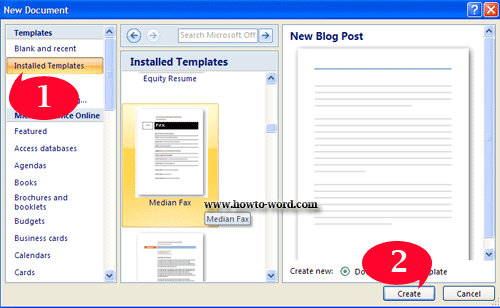
Then you will see this.


1. At the ‘Templates’ column click ‘Installed Templates’. In the ‘Installed Templates’ middle column, scroll down to find your favorite fax template. (In this case I use ‘Median Fax’)
2. Then click ‘OK’.

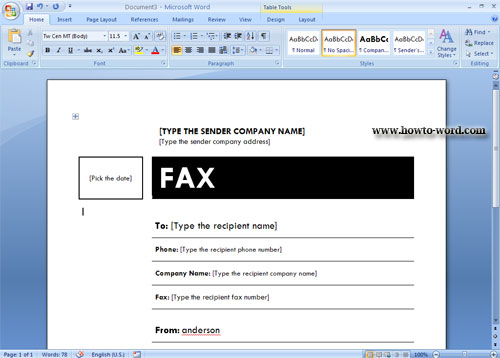
Now your document will look like this and what you have to do is just change the text as you want – finish!!


Frequently Asked Questions

         
How to remove paragraph symbol in word? Help!! Try fixing it but my vertical ruler still disappear!!  
         
What is the ribbon in Microsoft Word?